Xt2129-2 Frp Umt — Moto
to set a new pattern/PIN lock, which then replaces the original lock during setup location or detailed steps for the UMT QCFire interface?
ULTIMATE MULTI TOOL (UMT) is a popular tool used by Android technicians and users to bypass FRP, remove screen locks, and perform various other device maintenance tasks. UMT supports a wide range of Android devices, including Motorola devices like the Moto XT2129-2.
I recently had a Moto XT2129-2 (Moto G Stylus 5G 2021) locked with a previous owner’s Google account after a factory reset. Tried a few free tools and manual methods (dialer codes, account removal via settings) – none worked on Android 11. Decided to use UMT (Ultimate Multi Tool) v2.7+ with the latest QcFire module.
The Motorola Moto G30 requires a hard connection over the Emergency Download (EDL) mode or Qualcomm Fastboot mode for the dongle to map the correct memory addresses. Step 1: Launch the Software Terminal
Disconnect the phone and power it on. It may take longer than usual to boot. moto xt2129-2 frp umt
Follow the setup wizard; you should now be able to "Skip" the Google account verification. Troubleshooting Tips Connection Issues
This technical guide provides the exact steps needed to bypass the security lock using the , which targets the phone's built-in Qualcomm Snapdragon 662 processor . Prerequisites & Setup Requirements
Before initiating the bypass sequence, gather and set up the following professional tools and drivers:
Before diving into the bypass process, it is crucial to understand what you are working with. to set a new pattern/PIN lock, which then
Knowing that your device uses a Qualcomm chipset is the first and most important step. This means you cannot use generic MTK (MediaTek) tools. The correct software for this task is the , which is part of the Ultimate Multi Tool suite.
The log window spat out white text. Pinging device... Handshake successful. Backup security partition...
Locate the drop-down selection options. Set the brand dropdown to Motorola and select the matching variant or leave it on Generic Qualcomm if using the auto-detect programmer mode. Step 3: Execute the Reset Command Inside the Read & Tools tab, click the Reset FRP button.
Connect the phone to the PC while holding the or both Volume buttons (depending on the specific boot mode required, often "BROM" mode for MTK models). I recently had a Moto XT2129-2 (Moto G
Verify the connection by opening Windows . Under Ports (COM & LPT), you should see Qualcomm HS-USB QDLoader 9008 (COMXX) . Step 4: Execute the FRP Reset Command Return to the UltimateQCFire software window.
This guide provides a comprehensive overview of using the to bypass the Factory Reset Protection (FRP) on the Motorola Moto G10 (model XT2129-2) Go to product viewer dialog for this item. . Moto G10 (XT2129-2) Go to product viewer dialog for this item.
UMT will start the process. It will backup necessary partitions and then wipe the FRP partition.
: Open the UMT QcFire module on your Windows computer and wait for its main dashboard to appear.
Press and hold the Power button for a few seconds to turn on the phone. The first boot might take a few minutes.
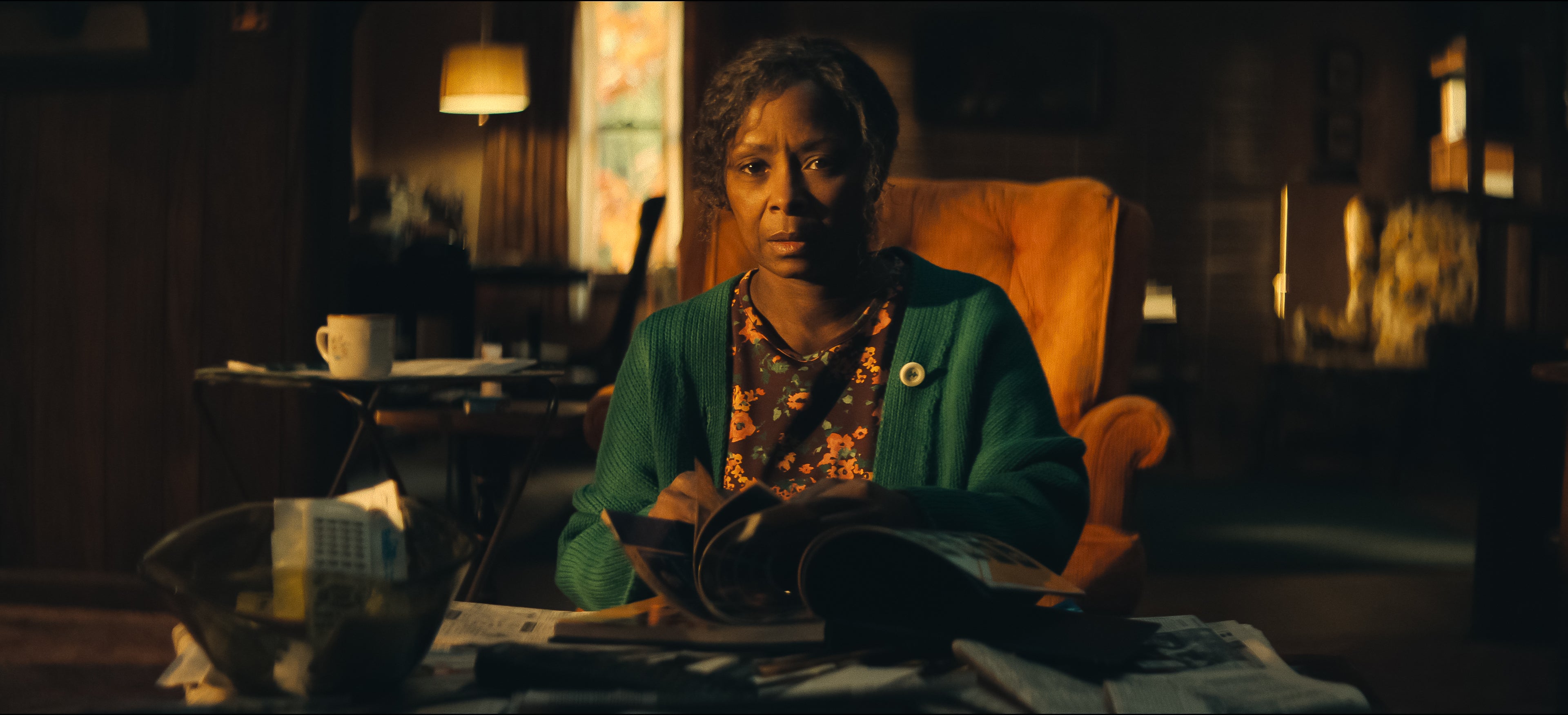
A série Dele & Dela constrói um mistério cheio de camadas… mas o que realmente impressiona é como ela resolve tudo nos minutos finais. E sim — o final muda completamente a forma como você vê a história. A grande revelação: Lexy não é quem parece Durante boa parte da trama, tudo aponta para Lexy Jones. Mas então vem a primeira virada:- Lexy é, na verdade, Catherine Kelly- Uma figura do passado de Anna- Alguém com motivos claros para vingança Essa revelação reorganiza o quebra-cabeça e parece explicar tudo… Mas não explica. O confronto na casa do lago O clímax acontece na casa isolada, onde tudo desmorona:Anna descobre a verdade ao ver fotos antigasTenta alertar JackRichard se mostra mais envolvido do que pareciaE Lexy/Catherine parte para o confronto físico A tensão cresce até o momento do disparo. E aí vem mais uma quebra de expectativa:- Lexy tenta matar Anna- Mas quem atira… não é ela É a detetive Priya. Caso encerrado? Nem perto disso A polícia encontra evidências suficientes para culpar:Lexy (Catherine)Richard como cúmplice O caso parece resolvido. Mas a série não termina aí — e esse é o detalhe que muita gente não vê chegando. O passado que explica tudo Anna finalmente revela a verdade sobre o passado. Um evento traumático na adolescência envolvendo:RachelHelenZoeE Catherine Um crime brutal que gerou:CulpaÓdioE uma sede de vingança silenciosa Esse trauma conecta absolutamente tudo. O salto no tempo — e a falsa sensação de paz Um ano depois, tudo parece resolvido:Anna volta à TVEstá grávidaReconstrói a vida com JackForma uma nova família É o típico final “feliz”… E é aí que a série te engana pela última vez. A VERDADE FINAL: quem estava por trás de tudo A revelação mais importante vem nos últimos minutos. Anna descobre que a narração que ouvimos durante a série… Não era dela. Era uma carta. Uma confissão. E o nome por trás disso muda tudo:Alice — a mãe de Anna. O plano por trás dos assassinatos Alice, aparentemente frágil e com demência, era na verdade:Extremamente conscienteObservadoraE movida por culpa e amor Ela descobre o que aconteceu com Anna no passado… E decide agir. Cada assassinato teve um propósito:Trazer Anna de volta para casaMantê-la em DahlonegaE reconstruir a vida da filha Ela manipulou tudo. Inclusive plantando provas para incriminar Catherine. O detalhe mais perturbador Alice não fez isso por ódio. Ela fez por amor.“O amor de uma mãe é constante, contínuo e incansável.” Essa frase redefine toda a série. O verdadeiro significado do final O que Dele & Dela entrega não é só um mistério resolvido. É uma reflexão desconfortável: Até onde o amor pode ir? Quando proteção vira destruição? E… vale a pena viver uma felicidade construída sobre mentiras? A última cena: perturbadora por um motivo Ao descobrir a verdade, Anna:Não reage com horrorNão confronta imediatamente Ela olha para a mãe…Com orgulho. E esse é o momento mais assustador da série. Conclusão O final de Dele & Dela funciona porque:- Engana o espectador até o último minuto- Entrega um plot twist coerente-Dá sentido a todos os eventos anteriores E principalmente: Mostra que o verdadeiro perigo nunca foi quem parecia.
Leia mais...